A customer takes a photo of a cracked bathroom tile in a Dubai villa and asks Google, “Where can I get this replaced, and what should it cost?”
Someone else uploads a school timetable as a PDF and asks which after-school programme fits. Another person records the strange rattling sound coming from an AC unit. None of these searches begins with a tidy keyword.
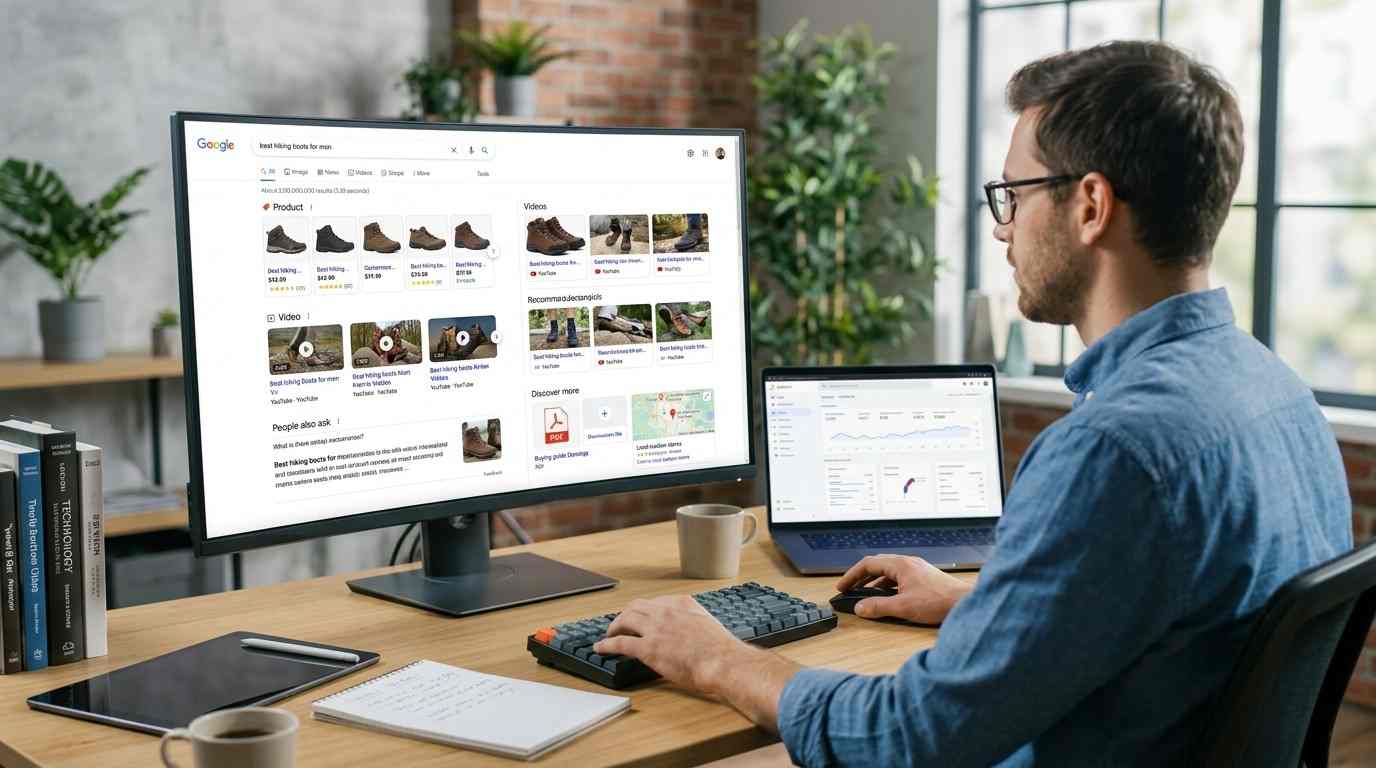
Google Search now accepts text, voice, images, files, and video-related inputs in its newer experiences. AI Mode can ask follow-up questions and break a large request into smaller searches. In September 2026, Google also started rolling out a multimodal search filter in Search Console for image-led searches from Lens, Circle to Search, image uploads, and Chrome’s “Search this image” feature.
That sounds like a major technical shift. For most website owners, the first jobs are much less dramatic: use the real image, name the file sensibly, explain it on the page, keep the video available, and stop hiding important information inside an unreadable PDF.
The Search May Begin With A Picture
The old routine was familiar. Someone typed a phrase, opened a few results, and compared them.
Now they might photograph a sofa, upload a brochure, speak a question, or point Google at something on screen. The visual input is only the starting point. The next questions may be about price, quality, location, size, repair, or alternatives.
A person uploads a photo of a beige sofa. The follow-up questions could be:
Is this style suitable for a small apartment?
Which fabrics are easier to clean?
Where can I find something similar in Dubai?
Will it fit through a standard doorway?
What price range is normal?
A product page aimed only at “beige sofa Dubai” does not really answer that conversation.
Google describes AI Mode as a system that can split a complicated question into related searches and bring the results together. The important point for a site owner is not the label. It is that one visual search can lead to several different information needs.
An Uploaded File Is Not Automatically Public Search Content
This part gets misunderstood quite often.
If a user uploads a PDF or image to AI Mode, that file may simply be part of that person’s private question. It does not mean Google will index it for everybody or send other users to it later.
For a business, public content still matters. Google needs to find the pages, images, videos, and documents that the business has made available on the web. The customer’s uploaded image changes the question. It does not provide a shortcut into the company’s website.
Images Need A Bit Of Context
Google can show images in image results, ordinary web results, Discover, and other visual features. It still needs clues about what an image contains and why it belongs on a particular page.
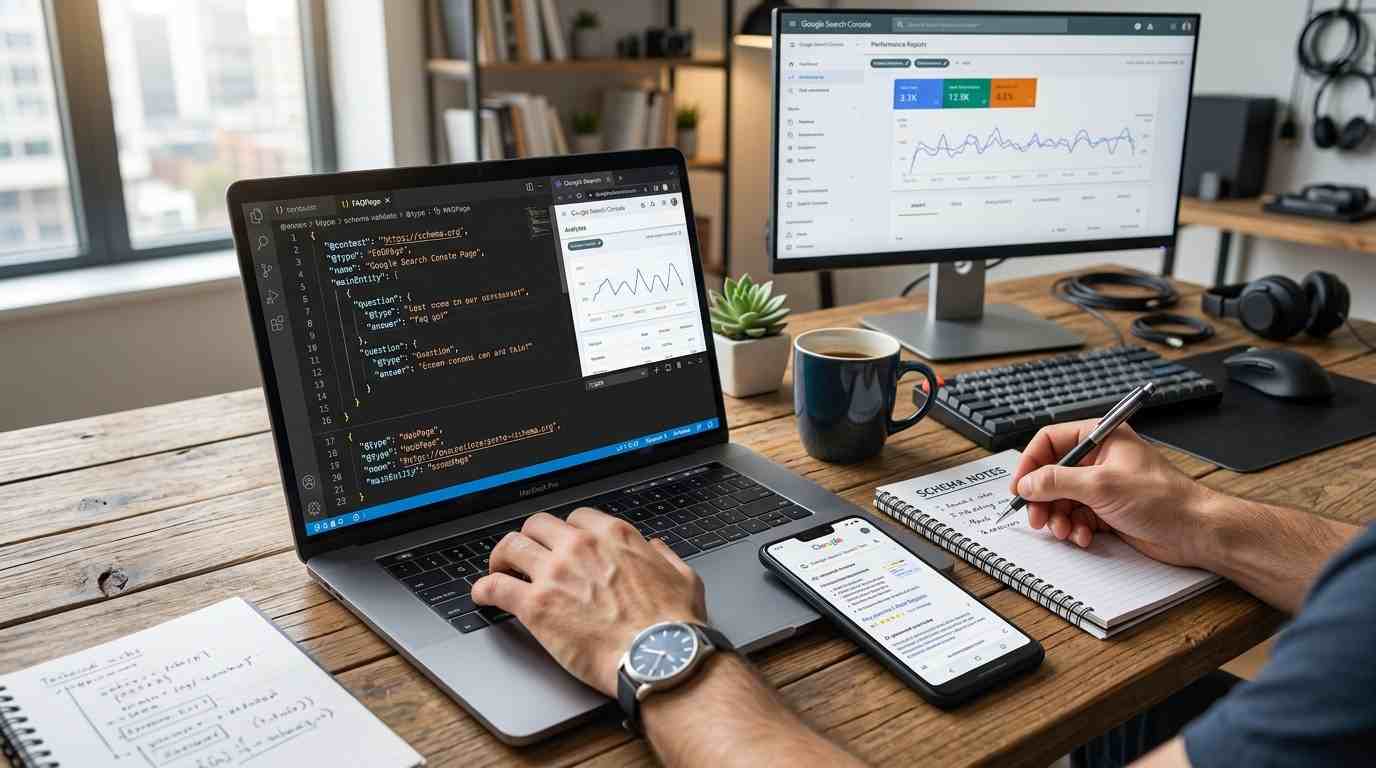
A filename such as IMG_4821.jpg is not helpful. split-ac-unit-jumeirah-villa.jpg gives Google a small, sensible clue. It will not transform a weak page into a strong one, but there is no good reason to leave every file with a camera-generated name.
Google recommends standard HTML image elements because crawlers can find images in the src attribute. Images used only as CSS backgrounds are harder to treat as ordinary page content. Responsive images should also have a fallback URL.
Put The Image Next To The Explanation
Suppose a renovation company publishes a photograph of a kitchen it completed in Dubai Hills. The image should sit near text about the materials, project type, location, and work involved. A short caption can help a visitor understand what they are looking at.
A stock photo repeated across twenty service pages does not do much. It may make the site look finished, but it tells neither the customer nor Search which job the business actually performs.
Alt text has two jobs. It describes the image for people using screen readers, and it gives Google another clue about the subject. Write what is visible and relevant. “Technician replacing a split AC unit in a Jumeirah villa” works. “Best AC repair Dubai cheap AC service installation” is just a string of words pretending to be helpful.
Google also considers nearby text and visual understanding when it interprets an image. That is why the page matters as much as the file.
A sensible image check looks like this:
Can the page load the image through a normal HTML image element?
Does the filename describe the subject?
Does the alt text help someone who cannot see the image?
Is the image close to related text?
Does the page explain the service or product shown?
No need to turn this into a ceremony. Just make the answer clear.
Video Can Show The Part People Usually Ask About
A short video of a technician testing an AC motor can show movement and sound better than a paragraph. A restaurant can show the size of its private room. A physiotherapist can demonstrate an exercise while explaining the safe movement.
The problem is that many businesses upload the clip and stop there.
Google’s video guidance says the watch page must be indexed, the video should be embedded on that page, and the video should not remain hidden until a user clicks, swipes, or types. Google also needs a valid thumbnail and stable URLs.
Give Each Video A Proper Page
A clip called final-final2.mp4 sitting in a media folder is not a content strategy. It is a file waiting to be forgotten.
Give the video a page with a clear title, a short description, a visible player, a stable thumbnail, and supporting text. If it runs for ten minutes, add timestamps or key moments. A visitor looking for “how to clean an outdoor AC unit” should not have to watch the whole thing to reach the useful part.
Google may identify key moments automatically. Website owners can also provide them through supported structured data. YouTube creators can add timestamps to the description. Keep the page honest. If the title says “How To Fix A Leaking AC,” but the video only shows a technician introducing the company, the problem is not an indexing detail. The title is wrong.
For a business that publishes videos regularly, the basic setup is straightforward:
Give each important video an indexed watch page
Keep the thumbnail URL stable
Use a clear title and description
Make the player visible without extra actions
Add chapters when the video needs them
One useful three-minute video can beat ten rushed clips. I have seen businesses produce a folder full of videos and never check whether a customer can find the right one.
PDFs Are Useful, Until They Hide Everything
AI Mode lets users upload PDFs, local files, and Drive files and ask questions about them. That helps with timetables, specifications, long reports, and comparison documents. Public PDFs have a more ordinary SEO problem: can Google crawl the file, and can a person read it?
A scanned brochure made from page images may look fine on paper. Search gets much less from it than from a document with selectable text, a clear title, and useful headings. A file hidden behind a form is also harder to discover than one linked from a relevant page.
A property company may reasonably use a PDF for floor plans. It should not hide the address, price range, amenities, and contact details only inside that file. A school may publish an admissions brochure, but the deadline should also appear on the website. A manufacturer can provide a manual while still explaining the important specifications on the product page.
If you are planning a wider content optimisation process, include the forgotten PDFs. Old documents are often the quiet source of bad information. A 2022 price list can remain online long after the sales team has moved on.
Before publishing a public file, check its filename, date, text layer, links, and relationship to the HTML page. A short summary on the page is helpful too.
Text Still Connects The Formats
Multimodal Search does not make text unimportant. Text tells Google what the image shows, what the video covers, what the PDF contains, and why the media belongs on the page.
It also gives a person something to check.
A fashion retailer can photograph a jacket from five angles, but the page still needs the size, fabric, colour, care instructions, stock status, and delivery information. A clinic can publish a treatment video, but it should explain who the treatment suits, what the limits are, and how to book.
This is where many visual content plans become a bit silly. A team creates a gallery because somebody said visual SEO is important, then forgets to answer the actual customer question.
A furniture shop might need photographs showing scale in a real room, a short video of a folding mechanism, a specification sheet, and plain text about delivery through narrow staircases. Those pieces support one decision. They are not four unrelated tasks.
For service businesses, a technical SEO audit in Dubai should also check whether the media loads properly, whether important content appears in the page, and whether the main information survives on mobile. A slow, broken video is not useful just because it exists.
What Search Console Can Tell You
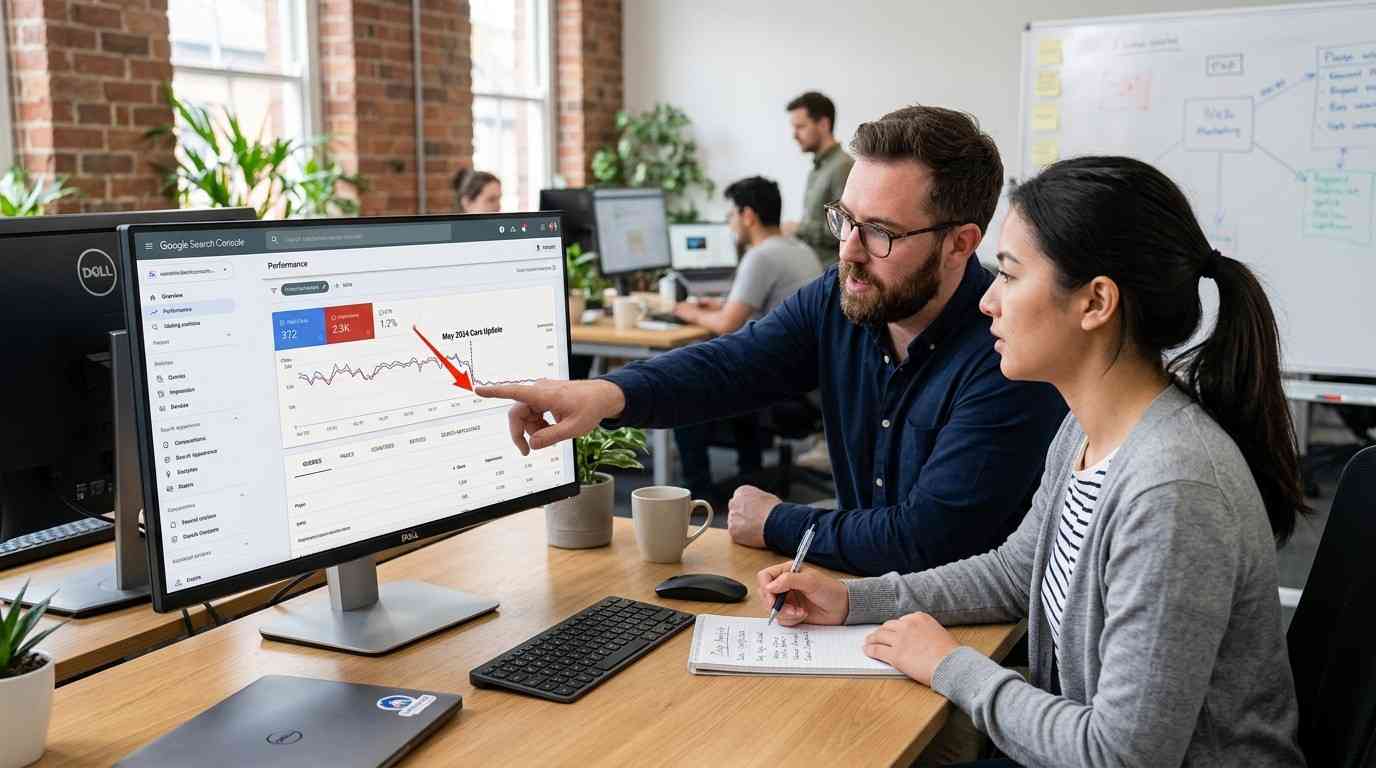
Google introduced a multimodal search type filter in Search Console in September 2026. It covers image-led searches from Lens, Circle to Search on Android, image uploads to Google Search, and Chrome’s right-click “Search this image.”
The filter is being added to the Performance reports for Search results and Generative AI features as the rollout reaches sites with this traffic. Google says site owners can export the data for further analysis.
This gives visual discovery a little more shape. Before, an owner might notice an image attracting visits without knowing whether an image-led search helped start the journey. Do not expect perfect answers. The report will not label every PDF question, video interaction, or AI-assisted visit in a neat box. It is one measurement, not a complete map of the customer’s behaviour.
Look at which pages receive multimodal impressions and clicks. Then check what happens after the visit. If a jewellery store gets image-led traffic but few product enquiries, the issue might be missing sizes, weak descriptions, unclear prices, or a mismatch between the picture and the page.
The image may be doing its job. The landing page may not.
A Smaller, More Useful Way To Work
Do not audit every image on a large website in one heroic weekend. The spreadsheet will become the project. Pick a handful of pages that already matter to the business. For a service page, check the main image, its alt text, the surrounding explanation, and any video or public file attached to the decision. Make sure the media has a stable URL and that the page works on a phone.
For an ecommerce page, check the product images, dimensions, stock, delivery information, care instructions, and return terms. For a restaurant, show the room, menu, opening times, and booking details in a way that matches the actual experience. A useful restaurant SEO guide is less valuable than a menu with yesterday’s prices, so check the menu first.
After making improvements, use Search Console’s multimodal filter where data appears. Compare impressions, clicks, page engagement, enquiries, and sales. Do not celebrate a rise in impressions if nobody can complete the next step.
My suggestion is to improve context before producing more media. One real photograph of a completed job can beat twenty generic images. One well-made video with useful timestamps can beat a folder of clips uploaded and forgotten.
What Multimodal SEO Really Changes
It changes the first question. A customer may begin with a photograph, a PDF, a product they cannot name, or a video of something making a strange noise. The business still needs to provide a clear answer in ordinary language.
Images, files, videos, and text now sit closer together in Search. That does not remove the basic work. It makes missing basics easier to notice.
Give each format a reason to exist. Keep it findable. Put it beside the information people need. Remove or update it when the facts change.
The best multimodal SEO is not a pile of media. It is a better answer to a question that may not begin with words.
Frequently Asked Questions
1. What is multimodal SEO?
Multimodal SEO is the process of optimising website content for search experiences that use images, text, voice, video, or other inputs. It involves descriptive images, accurate alt text, relevant page content, accessible files, and videos that Google can discover and understand.
2. How do I optimise my website for Google Lens?
Use original, high quality images, descriptive filenames, accurate alt text, and text that explains the subject of each image. Place images near relevant product or service details, and make sure Google can crawl the image and its landing page.
3. Does multimodal search change traditional SEO?
Multimodal search adds more ways for people to discover web pages, including searches that begin with a photo or screenshot. Traditional SEO still matters. Crawlable pages, useful text, relevant images, and clear information help search engines connect visual inputs with useful results.
4. Can Google index PDFs and videos for Search?
Yes. Google can index eligible PDFs and discover videos on web pages, provided the relevant technical requirements are met. Use readable text in PDFs, link documents from relevant pages, and give important videos accessible watch pages, stable thumbnails, and clear titles. Indexing is not guaranteed.
5. How can I track multimodal search traffic in Google Search Console?
Open the Performance report in Google Search Console and look for the multimodal search type filter. It reports eligible image led searches, including Google Lens, Circle to Search on Android, image uploads, and Chrome's “Search this image” feature. Review impressions, clicks, and landing pages, then compare them with enquiries or sales. The filter only covers its defined search sources, not every AI assisted visit.