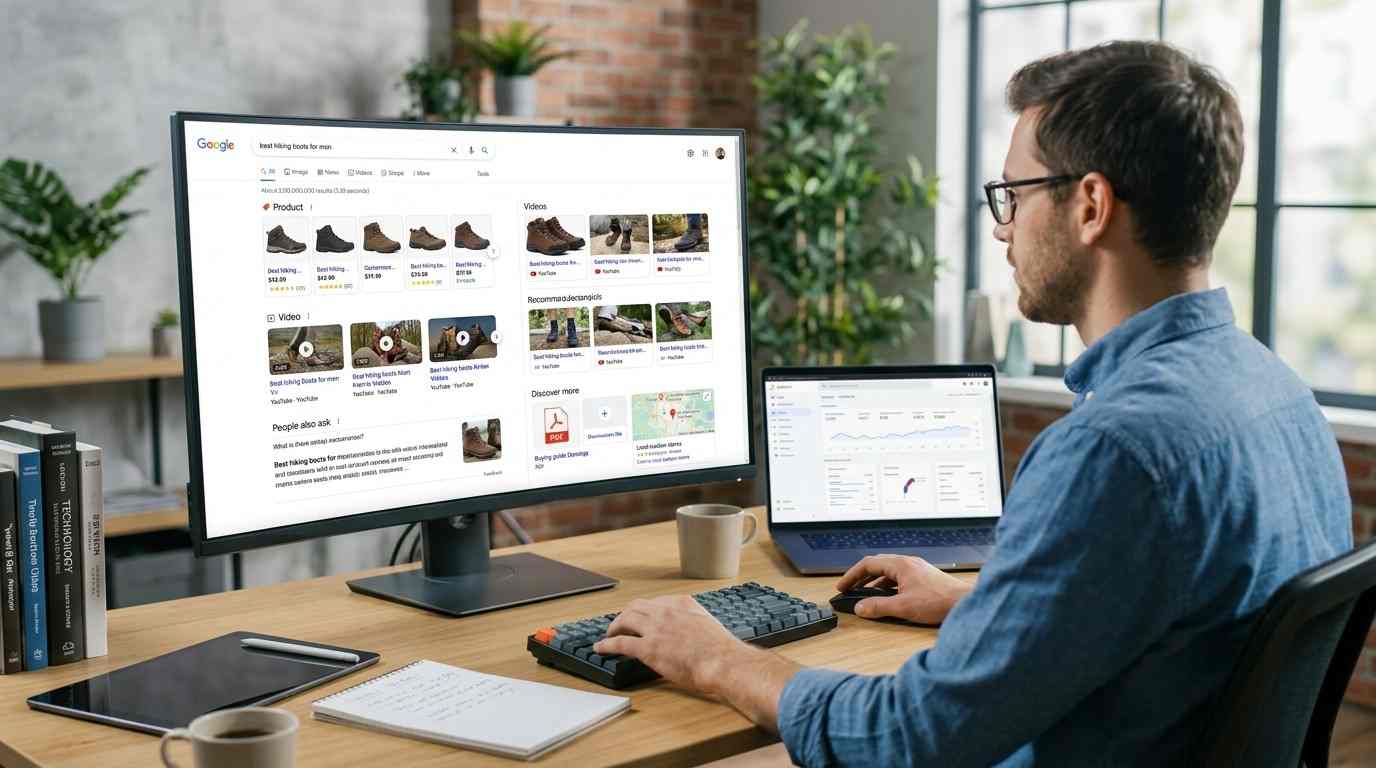
Your product feed, not your website copy, decides whether UAE shoppers ever see your products on Google. If your listings are missing from the Shopping tab, buried in search, or absent from AI answers, the cause is almost always sitting in Google Merchant Center as a disapproval, a mismatch, or a blank field. Merchant Center SEO is the work of fixing those fields so Google can read, trust, and show your catalogue.
This guide shows you what to check, in what order, and why UAE stores fail on points that stores in other markets never hit.
What Is Merchant Center SEO?
Merchant Center SEO means optimising the structured product data you send to Google so your items qualify for, and rank well in, Google Shopping results.
It is not keyword stuffing a product page. It is making sure every attribute in your feed, including title, price, availability, image link, and GTIN, is accurate, complete, and identical to what appears on your live product page. Google compares the two. When they disagree, it suppresses the listing.
Think of your feed as the only version of your catalogue Google actually reads. Your beautiful product page is secondary.
Who Needs This?
You need Merchant Center SEO if you sell physical products online to customers in the UAE and you depend on Google for discovery.
That covers:
Shopify, WooCommerce, Salla, and Zid stores shipping across the Emirates
Retailers running Performance Max or Standard Shopping campaigns with weak returns
Brands whose products appear in Google Ads but never in free listings
Stores that watched impressions fall after a platform or plugin update
If you run a service business with no product catalogue, this does not apply to you. Local SEO is your route instead.
How Product Feeds Improve Google Shopping Visibility
Your feed enters the Shopping Graph, which is Google's product database. Every Shopping surface draws from it.
Here is the path your data takes:
You submit product data to Merchant Center through a plugin, scheduled fetch, Google Sheet, or the Merchant API.
Google validates it against the product data specification and approves or disapproves each item.
Approved products enter the Shopping Graph.
Google pulls from that graph to populate the Shopping tab, free listings, Images, Lens, and AI-generated shopping answers.
Free product listings are the part most UAE merchants overlook. The UAE is a supported country for both Shopping ads and free listings, so your approved products can appear without any ad spend. You enable this in Merchant Center under marketing methods.
The Feed, the Page, and the Schema Must Agree
Google cross-checks three sources: your feed, your landing page, and your Product schema markup. A price of AED 249 in the feed and AED 265 at checkout triggers a price mismatch disapproval. An "in stock" feed value against a sold-out page damages both your Shopping position and Google's confidence in citing you anywhere else.
Treat all three as one record that must stay synchronised. Our technical SEO work on ecommerce builds usually starts here.
Why UAE Stores Lose Visibility
Most UAE feed failures come from five specific problems. Work through them in this order.
1. AED Prices That Exclude VAT
Google requires VAT-inclusive prices in the price attribute for every country except the United States and Canada. The UAE sits in the inclusive group.
This also matches local law. The Federal Tax Authority requires UAE businesses to display tax-inclusive prices, and non-compliance carries a Dh15,000 penalty per tax. If your store adds 5% VAT at checkout instead of building it into the displayed price, you are breaking two rules at once and your products will get disapproved for inaccurate pricing.
Fix: submit the final amount the customer pays, in AED, and make the same figure appear on the product page and at checkout.
2. Titles Written for Your Warehouse
Your product title carries the most weight of any feed attribute. Google reads it first when matching your item to a query.
A title like "Blue Polo" tells Google nothing. Lead with brand, then product type, then the attributes buyers actually type: size, colour, capacity, model, material. Promotional words such as "sale" or "free delivery" are not allowed and will disapprove the product.
3. Missing or Incorrect GTINs
If a manufacturer barcode exists for your product and you leave it out, you lose significant exposure. If you submit a wrong one, Google disapproves the item outright.
For genuinely custom or handmade goods with no barcode, set identifier_exists to no. Do not use that setting as a shortcut to skip data entry on branded stock.
4. Images Below 500 x 500 Pixels
Google now specifies a minimum of 500 x 500 pixels for product images, with full enforcement arriving on 31 January 2027. The recommendation is 1500 x 1500 or above.
Your product should fill 75 to 90 percent of the frame, sit on a clean background, and carry no overlaid text, logos, badges, or watermarks. Audit your catalogue now rather than in January 2027. Image quality also feeds how Google handles visual and multimodal search.
5. Shipping Promises the Emirates Cannot Keep
Do not advertise one blanket UAE delivery speed. Dubai same-day, Abu Dhabi next-day, and Northern Emirates two-day are different services, and Google compares your stated speed against real delivery performance.
Set shipping services that reflect what your courier genuinely does. Overpromising damages your listings and your reviews together.
The Feed Problem Breaking UAE Stores Right Now
Check whether your products stopped updating after August.
Google shut down the Content API for Shopping on 18 August 2026 and began returning progressive errors from 1 September 2026. Any plugin, middleware, or custom script still calling the old API has been failing since then. Merchant API is the replacement.
The symptom is quiet: products stay listed but their data freezes. Prices drift from your site. Stock levels go stale. Disapprovals accumulate.
Open Merchant Center, look at your data sources, and confirm the last update date is today or yesterday. If it is August, your integration broke and nobody told you. A sudden drop in search visibility often traces back to exactly this kind of silent technical failure.
How Your Feed Controls AI Visibility
Your Merchant Center feed is now the main route into Google's AI shopping answers.
AI Mode, AI Overviews, and the Gemini app build product responses from the Shopping Graph. Your feed populates that graph. Without a Merchant Center account and approved products, you have almost no path into conversational shopping results.
In May 2026 Google added six optional conversational attributes to the product data specification:
question_and_answer for buyer FAQs
related_product for accessories, bundles, and alternatives
document_link for manuals and spec sheets
item_group_title for the product family name
variant_option for structured colour, size, and capacity values
popularity_rank for your own bestseller signal
These are optional, they do not affect existing approvals, and Google recommends submitting them through a supplemental data source joined on product ID. They exist so an AI assistant can answer "does this fit my kitchen" or "what is a cheaper version" without guessing.
Most UAE catalogues have none of them filled. That is a real opening. The same principles behind optimising content for AI search engines apply to product data, and our GEO services cover this end to end.
Arabic and English Product Data
Submit products in the language your customers search in, and set up the matching country and shipping configuration.
Many UAE shoppers search in English, many search in Arabic, and plenty mix both. If you run a bilingual store, your feed language, your page language, and your hreflang setup need to point at each other correctly. Mismatched language signals send Arabic searchers to English pages and raise your bounce rate for no reason.
Your Merchant Center SEO Checklist
Run through this monthly:
Data source last updated within 24 hours
Zero disapprovals in Diagnostics
Prices VAT-inclusive in AED and matching the page
Titles lead with brand and product type
GTINs present for all branded stock
Images at 500 x 500 minimum, no overlays
Availability matches live stock
Free listings enabled
Product schema matches the feed
Conversational attributes added for top sellers
Fix the disapprovals first. Everything else is wasted effort while your products are blocked. Once visibility returns, measure the outcome properly rather than watching impressions alone.
Frequently Asked Questions
Why are my products not showing on Google Shopping?
Usually because they are disapproved, free listings are switched off, or your feed stopped updating. Open Merchant Center, go to Diagnostics, and filter products by disapproved status. Google gives you the exact reason for each item.
Is Google Merchant Center free in the UAE?
Yes. The account is free, and free product listings are available in the UAE at no cost per click or impression. You only pay when you choose to run Shopping ads on top.
How long does it take for products to get approved?
Google typically reviews within 24 to 72 hours after you fix an issue. Google does not automatically recheck disapproved products, so request a review once your corrections are live.
Do I need to include VAT in my Merchant Center prices for the UAE?
Yes. Submit prices inclusive of 5% VAT in AED, and show the identical figure on your product page and at checkout. UAE law requires tax-inclusive display pricing, and Google requires it for all countries outside the US and Canada.
Does Merchant Center affect AI Overviews and Gemini?
Yes. AI Mode, AI Overviews, and Gemini build product answers from the Shopping Graph, which your Merchant Center feed populates. A clean, approved feed is the entry requirement for appearing in AI shopping responses.
What is the difference between free listings and Shopping ads?
Both use the same feed. Free listings place your approved products across Google at no cost. Shopping ads are paid placements that typically sit above them. Running both increases total visibility.
Can I fix my product feed without a developer?
Often yes. Supplemental feeds and feed rules let you correct titles, map categories, and override bad data in bulk through a Google Sheet. API migrations and custom integrations need technical help.
Need help? Eyes On Solution is a Dubai-based digital marketing agency. If your Merchant Center is throwing disapprovals or your products have gone quiet, get a free audit.